


Watch Now
Record to Watch Later
20 episodes will be broadcast over the next two weeks


More about Christina on the Coast
Gaining a large following initially as the co-star of the hit series "Flip or Flop," Christina Haack begins her new TV life as the focus of her own docuseries; it highlights the real estate and house-flipping professional as she helps clients transform outdated properties into high-end spaces filled with distinctive design elements and "cool SoCal style"; the series also delves into Christina's personal journey, including finding the perfect home, her engagement and wedding, all while balancing parenthood and career.
Starring
Christina Haack
Subscribe to Enjoy 70+ Channels
Watch and record live TV with a Philo subscription


One Subscription.
Endless Entertainment.
Endless Entertainment.
Unlock live TV, binge-worthy shows, hit movies, and more. Starting at $25/month.
More like Christina on the Coast


Popular on Philo


Frequently Asked Questions
- Philo is a live TV streaming service that offers two plans to fit your entertainment needs:Essential ($25/month): 70+ live channels and over 75,000 movies and shows on-demand. New users get a 7-day free trial!Bundle+ ($33/month): Includes all the channels and entire streaming library available in the Essential plan, the entire AMC+ library, and access to HBO Max Basic with Ads plan and discovery+ included.Both plans: offer 1-year unlimited cloud DVR, let you stream on up to 3 devices at once, create up to 10 profiles, and cancel anytime with no contract.Free Channels: Not ready to subscribe? You can also enjoy Free Channels with no credit card required—simply create your account and start watching.
Yes! New users that sign up for the Essential plan can try it free for 7 days. You can explore our channels, features, and content before your subscription begins. No contract required—cancel anytime before your trial ends with no charges.
- An email address
- A future payment method
- A broadband internet connection
- A supported device
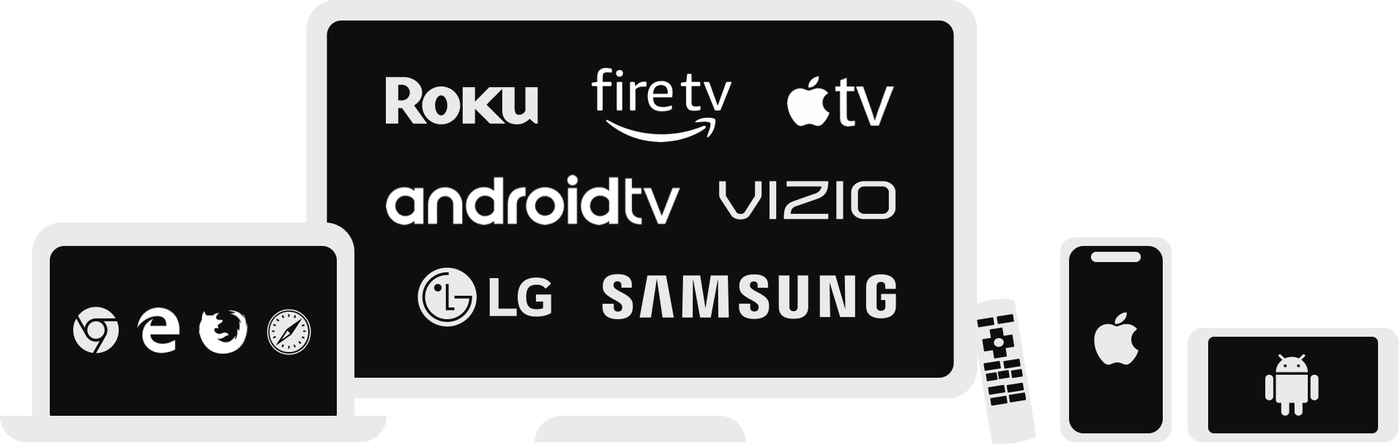 Web, iPhone & iPad, Android phones & tablets, Roku, Fire TV, Samsung TV, VIZIO TV, LG TV, Apple TV, Android TV, and Chromecast via Android
- Yes! You can record an unlimited amount of live or upcoming content to your cloud DVR and save them for up to a year. No equipment needed!
- Nope! No hardware is required, ever. Philo's DVR is already built into the app, so there's nothing to plug in, set up, or pay extra for.With an Essential or Bundle+ subscription, you get unlimited DVR storage included, and your recordings are saved for a full year. If you're watching with the Free Channels, recordings are saved for 30 days.
Yes! You can enjoy tons of premium television and movies by upgrading your Philo subscription plan with add-ons.
Here is a list of our available add-ons:
- HBO Max Standard (ad-free): Watch HBO Originals and hit movies ad-free for $13 more per month. Live sports included (in HBO Max app).
- discovery+ (ad-free): Stream hit reality shows, documentaries, and more without the ads - all for $8 more per month.
- Movies & More: Watch award-winning films, cult classics, celebrity stories, documentaries, and more - for $3 more per month.
- AMC+ (ad-free): Enjoy ad-free access to the entire AMC+ library for $4 more per month.
- MGM+ (ad-free): Stream thousands of the latest hits, fan favorites, original series, documentaries, and comedy specials for an additional $8/month.
- ALLBLK (ad-free): Stream original series, independent films, nostalgic Black cinema, reality, and lively stage plays for $7 more per month.
- Hallmark+ (ad-free): Watch exclusive originals, reality shows, rom-coms, cozy mysteries, heartfelt dramas, and beloved holiday movies for an additional $9/month.
- STARZ (ad-free): Enjoy today’s hits, classic movies, and bold original series for an additional $12/month.
- HBO Max:
- Sign up for the Bundle+ ($33/month) plan.
- Go to your Philo account page and follow the steps to activate your HBO Max Basic with Ads plan account.
discovery+: Sign up for the Bundle+ ($33/month) plan.